
To add favourites on iOS and Android
- Select any activity from the Nearby or Schedule page. You will be at the specific activity page.
- Click on the heart shape at the top right of the screen to add a partner to your favourites.

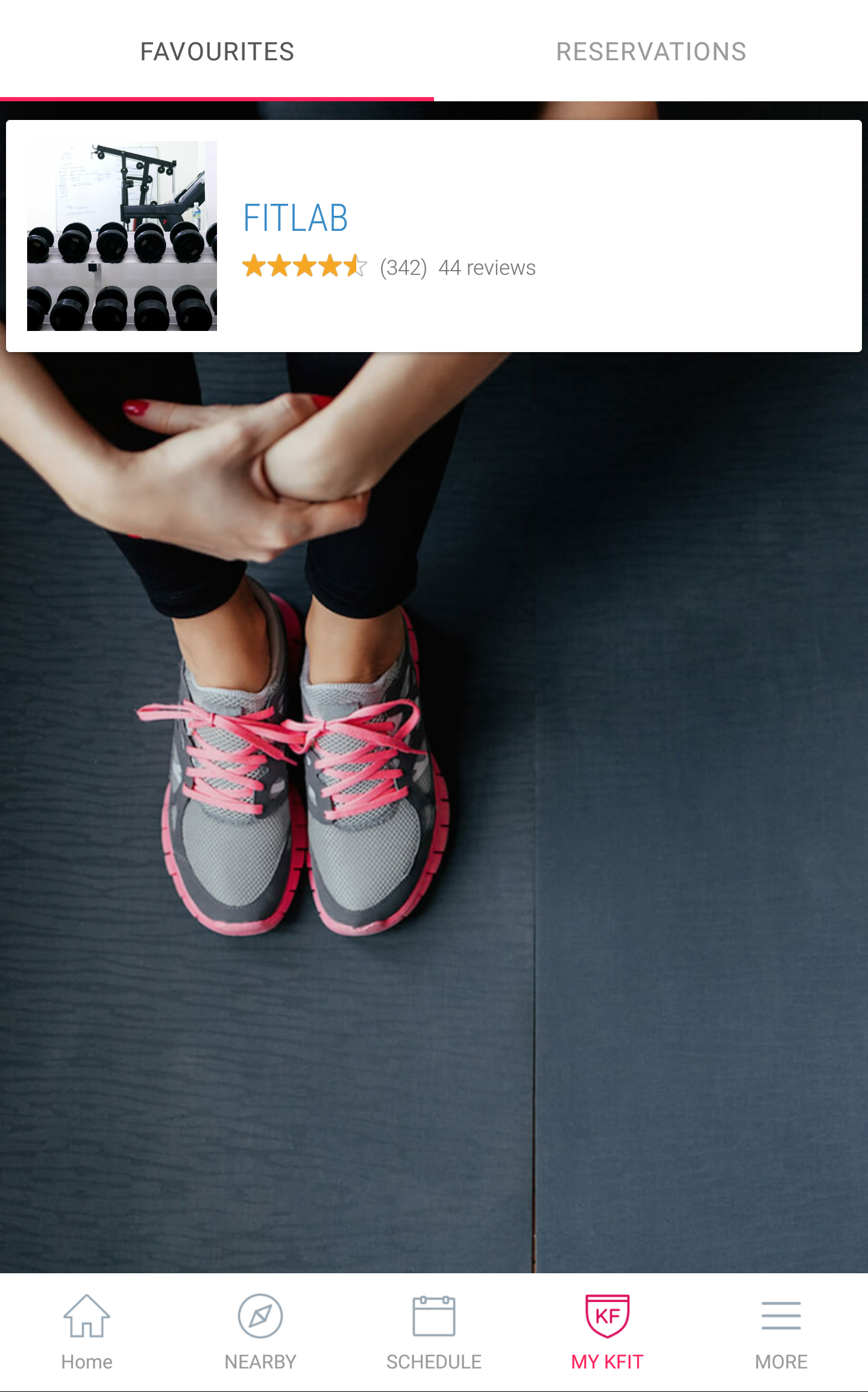
- You can view your favourite partners by clicking My KFIT
- If the partner has many outlets, remember to scroll to your preferred outlet before viewing the schedule to book.

0 Comments