
To view reservations on iOS and Android
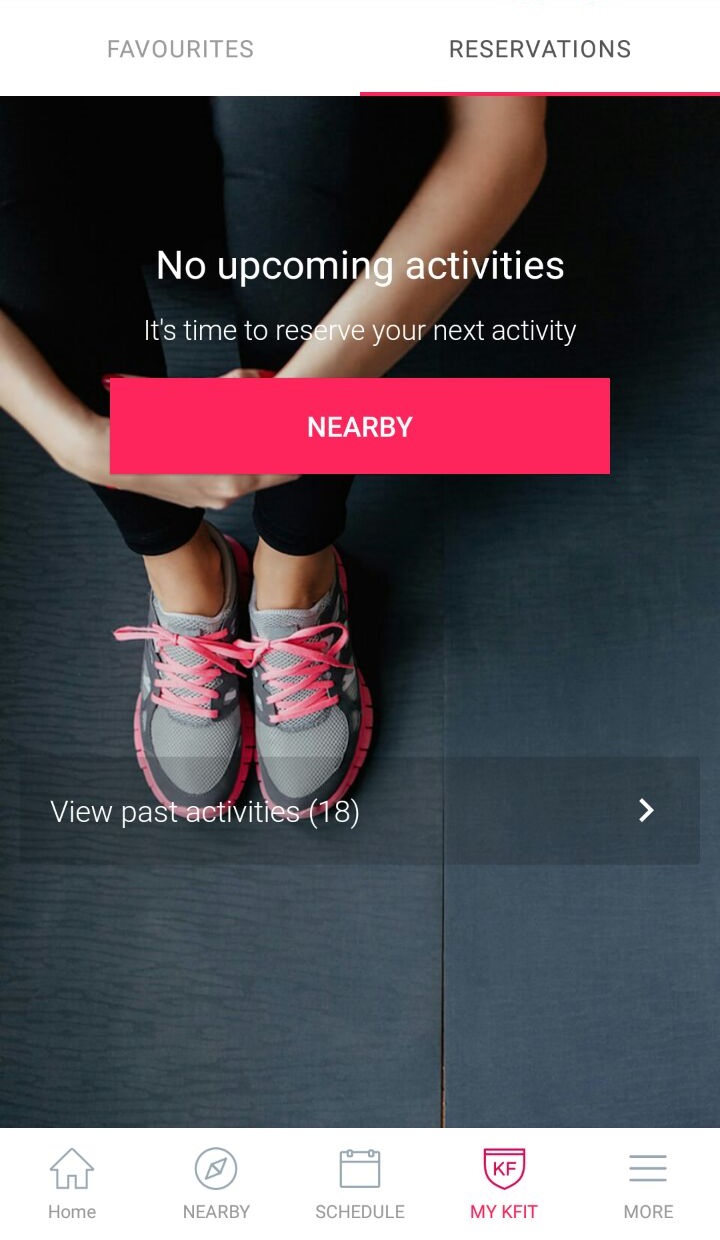
- Click on My KFIT and select the Reservations tab on the top.
- You can also view past activities by clicking on "View past activities" on the Reservations page.
To view reservations on the Web
- Go to your Dashboard
- Click on Reservations
- You can see Upcoming Activities and View Past Activities after clicking Reservations
0 Comments